Technical documentation
Keep API references and tutorials in English while clarifying unfamiliar terms inline.
Safari Extension for English Reading
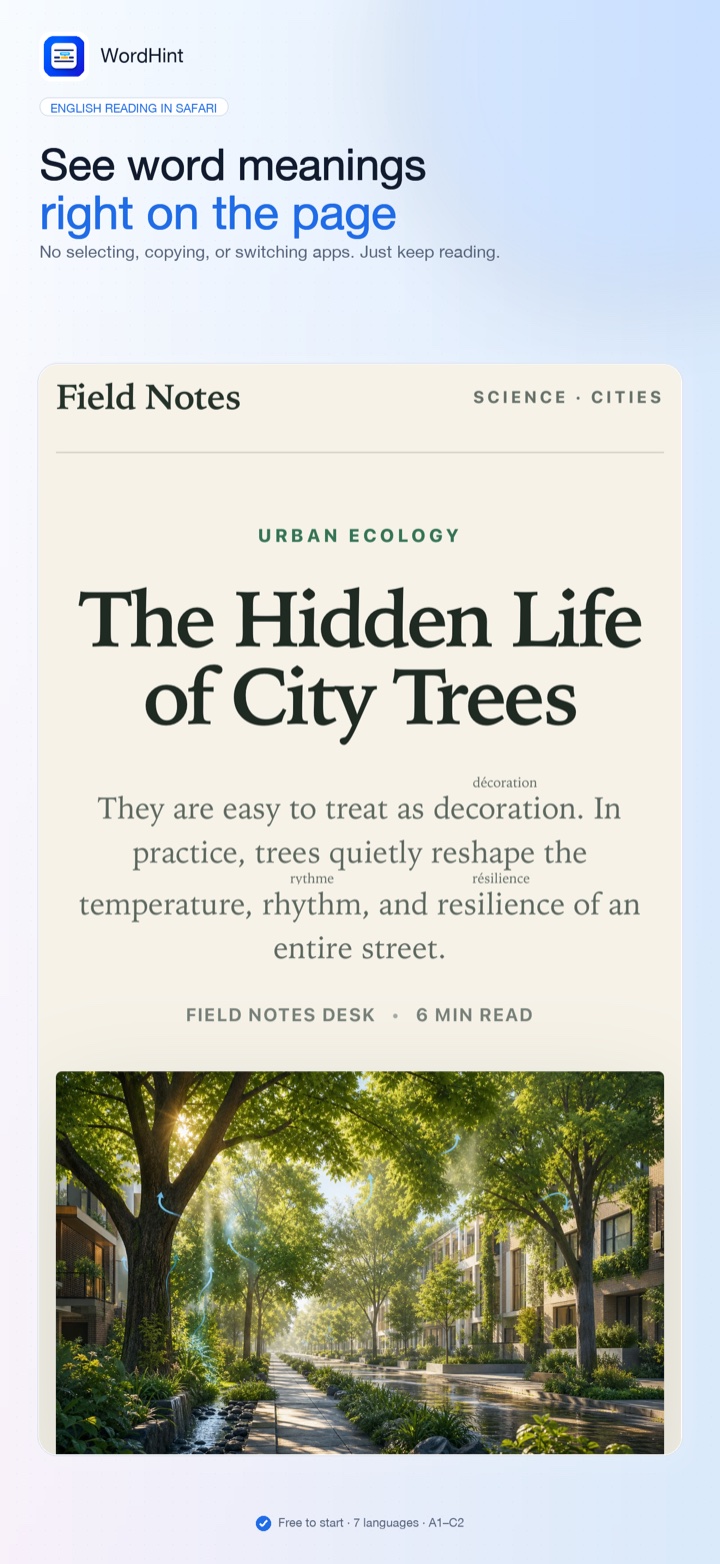
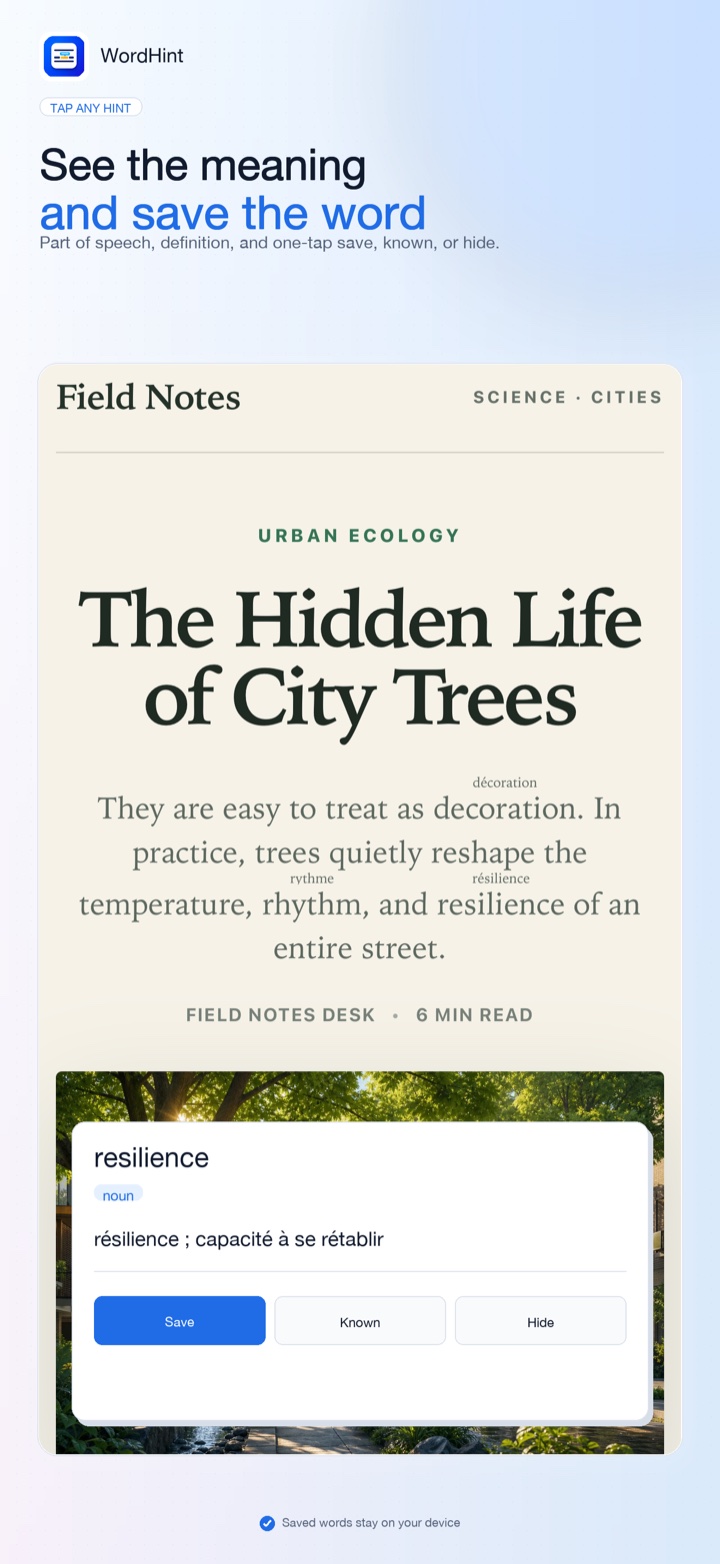
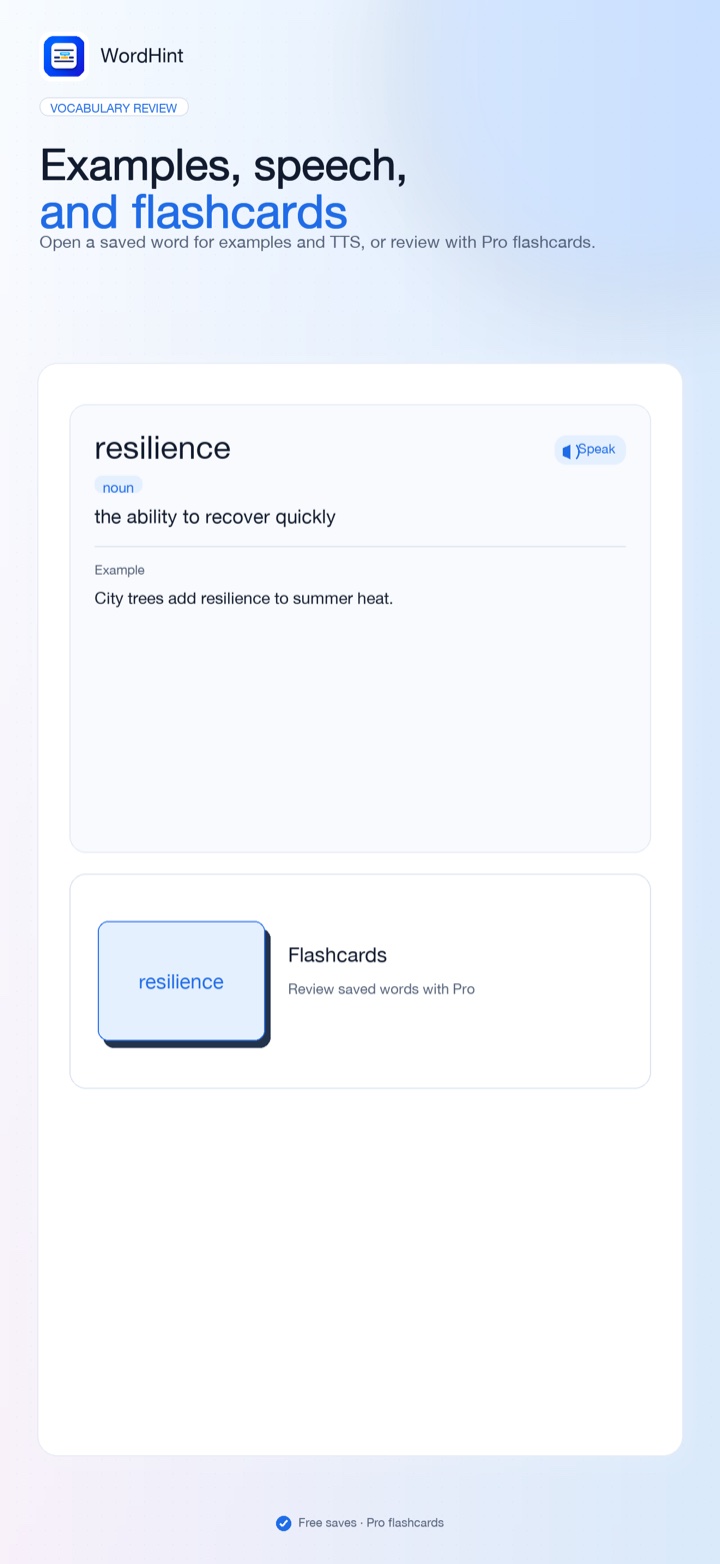
WordHint adds concise meanings above difficult English words in Safari on iPhone and iPad. Save words with examples and speech, review with flashcards in Pro, and keep everything on your device.
A Literary Classic
“It is a truth universally acknowledged,
— Jane Austen, Pride and Prejudice
that a single man in possession of a good fortune,
must be in want of a wife.”
See it in action
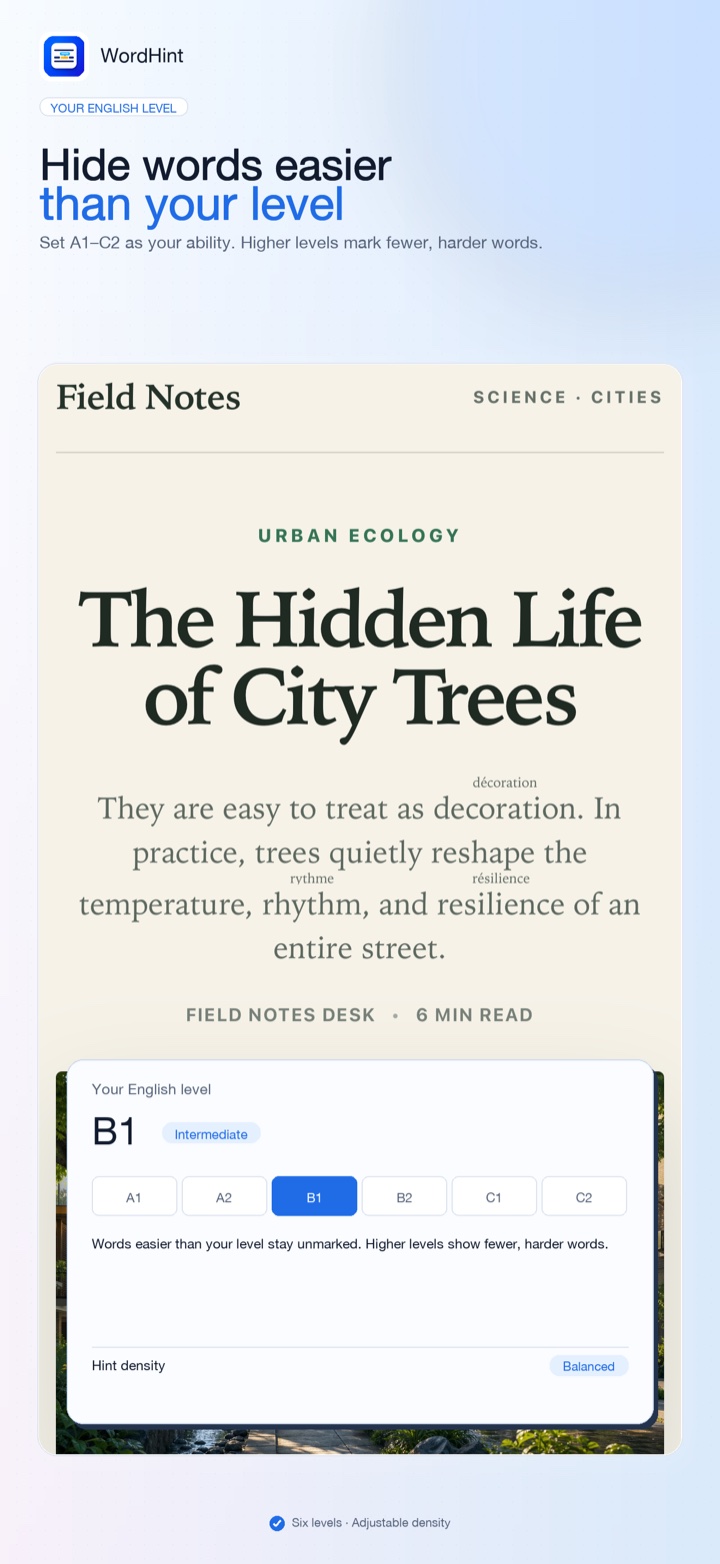
Real product screens: inline Safari hints, level control, word cards, examples with speech, and flashcards.
Why it helps
Dictionary apps are precise but disruptive. Full-page translation is convenient but hides the English sentence. WordHint sits between them: it keeps the source page visible and explains only the words that slow you down.
Made for real reading
WordHint works with the original text directly in Safari, so you can keep the page, its structure, and its context in view.
Keep API references and tutorials in English while clarifying unfamiliar terms inline.
Follow longer arguments without leaving the article for a separate dictionary lookup.
Save hard words with examples, hear them spoken, and review with flashcards when you are ready.
Privacy
Safari asks for website access because extensions need permission to read visible page text and add annotations. WordHint uses that access only on your device. Browsing history and page content are not uploaded. Free to download—no account, ads, analytics, or tracking.
Read the privacy policy